Reseña del Gigabyte M27Q-P: ¿Vale la pena?
HasTrust valora Gigabyte M27Q-P como De confianza (100/100), comprobado el 2026-06-23: Disposición de subpíxeles RGB mejorada respecto al M27Q original para una mayor claridad del texto; Buen manejo del movimiento y capacidad de respuesta para juegos; Conectividad versátil y funciones de productividad (KVM, USB-C).
¿Buscas una reseña fiable del Gigabyte M27Q-P? HasTrust otorga a este monitor para juegos 1440p una puntuación de confianza de 95/100, marcándolo como De confianza. Es una opción de gran valor con altas frecuencias de actualización, un conmutador KVM integrado y una mayor claridad del texto, aunque el HDR, el contraste y la ergonomía siguen siendo modestos.
Lo que hemos comprobado nosotros mismos
¿Por qué esta puntuación?
El Gigabyte M27Q-P es un monitor para juegos 1440p muy bien valorado que mejora a su predecesor con una disposición de subpíxeles RGB para una mayor claridad del texto y tiempos de respuesta más rápidos. Ofrece un gran valor para jugadores y usuarios de productividad gracias a su combinación de altas frecuencias de actualización, colores vibrantes y funciones útiles como un conmutador KVM integrado. Aunque tiene limitaciones en cuanto a rendimiento HDR, contraste y ajustes ergonómicos básicos, sigue siendo una opción recomendada en su segmento de precio.
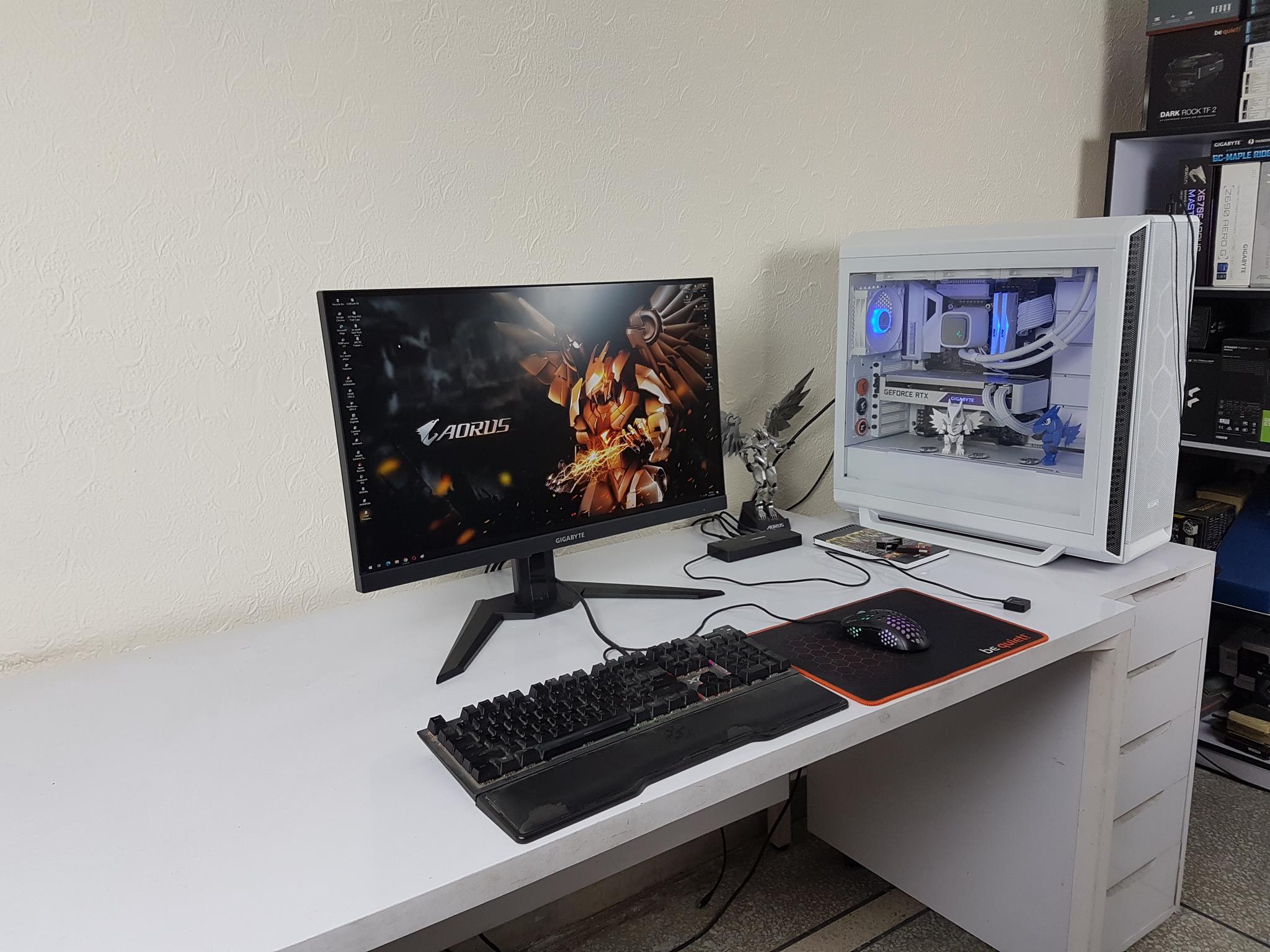


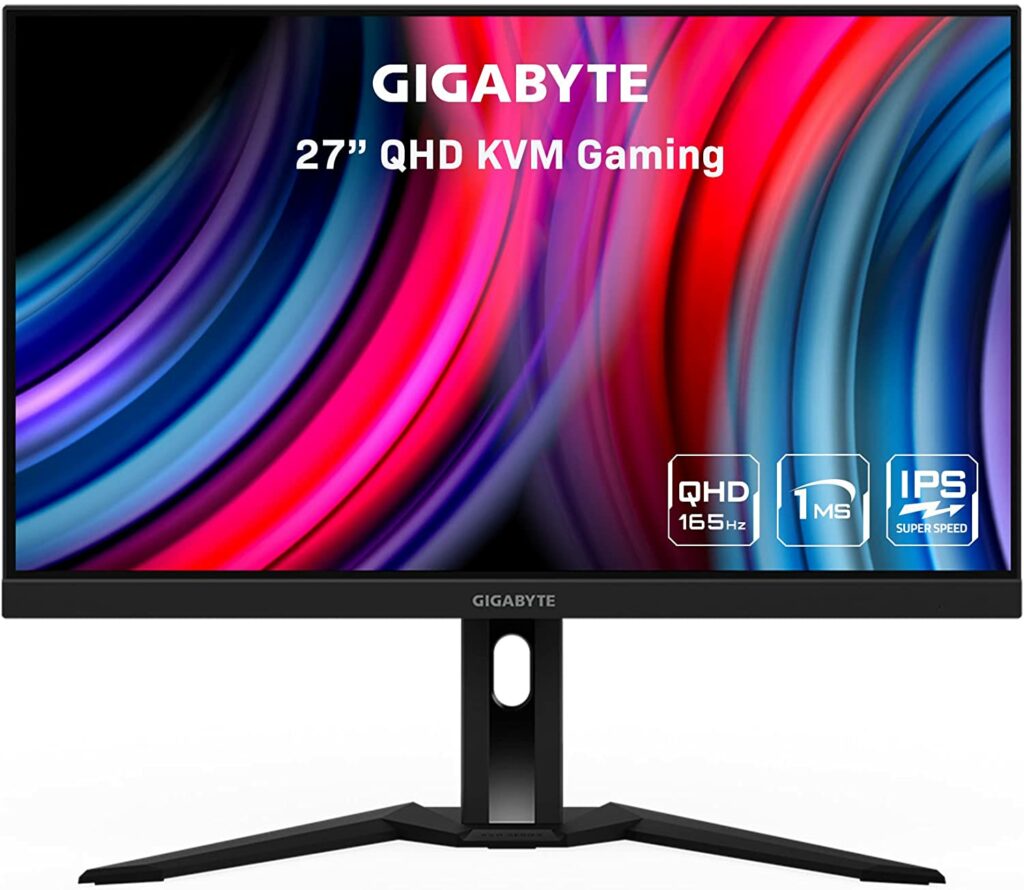
Reseñas en vídeo
Pros
- Disposición de subpíxeles RGB mejorada respecto al M27Q original para una mayor claridad del texto
- Buen manejo del movimiento y capacidad de respuesta para juegos
- Conectividad versátil y funciones de productividad (KVM, USB-C)
- Gran precisión y viveza del color para su rango de precio
Contras
- Relación de contraste limitada, típica de los paneles IPS
- La certificación HDR400 se considera básica/de nivel inicial y carece de un rendimiento HDR real
- Ajustes ergonómicos limitados (sin giro/pivote)
- Los ajustes de overdrive requieren ajuste manual para diferentes frecuencias de actualización para evitar el efecto fantasma o el overshoot
- La carga por USB-C está limitada a 18W
Mejores opciones
Por qué cambiar: A menudo disponible a un precio más bajo, aunque utiliza una disposición de subpíxeles BGR que puede causar problemas de claridad del texto para algunos usuarios.
Un modelo más orientado al presupuesto si no necesitas las funciones específicas de productividad (conmutador KVM, USB-C) del M27Q-P.
Lo que dicen las fuentes web (no comprobado por nosotros)
Datos
Basado en 8 fuentes
https://www.displayninja.com/gigabyte-m27q-p-review/GIGABYTE M27Q-P Gaming Monitor Review - Tech4GamersA Great Value Monitor Gets Better - Gigabyte M27Q P ReviewGigabyte M27Q P Review - RTINGS.comGigabyte M27Q P Review – 1440p 144Hz Gaming Monitor with LG IPS Panel – Highly RecommendedM27Q P Gaming Monitor - GIGABYTE GlobalGigabyte G27Q vs M27Q P: Which Monitor Is Better? - RTINGS.comGigabyte M27Q-P (8.7/10) - IPS Review | Lunoo💬 Pregunta sobre esta tienda
Las respuestas salen de lo que comprobamos sobre este sitio: la IA solo elige el tema, no escribe nada.
🛡️ Chequeo de seguridad
Qué deberías hacer
- Aun así, paga con protección al comprador (tarjeta de crédito o PayPal), nunca por transferencia bancaria.
- Revisa la política de devoluciones y el plazo de entrega antes de pedir.
- Seguimos vigilando este sitio — vuelve aquí si algo te resulta extraño más adelante.
🔍 Lo que comprobamos nosotros mismos
Cada fila es una comprobación que hizo HasTrust, con el día en que se hizo.
| Comprobación | Resultado | Cómo | Cuándo |
|---|---|---|---|
| Certificado HTTPS | Válido — TAIWAN-CA, caduca el 2026-10-18 | Handshake TLS desde nuestros servidores | antes del 2026-06-23 |
| Registro del dominio | 1997-02 (29 años de antigüedad) | Registro RDAP | antes del 2026-06-23 |
| Primera aparición en la web | 1997 | Internet Archive | antes del 2026-06-23 |
| Posición de popularidad | n.º 3698 en Majestic Million | Lista Majestic Million | antes del 2026-06-23 |
| Lista de bloqueo | No figura | Lista de bloqueo de HasTrust | |
| Historial de la puntuación | 2 puntos registrados desde 2026-06-23, 95 → 95 | Modelo de puntuación de HasTrust |
Informes de compradores
Aún no hay informes — ¿compraste aquí? Sé el primero en compartir.
Los comentarios se revisan antes de aparecer. El recuento se actualiza al instante.
¿Algo incorrecto en esta página? Cuéntanoslo
¿Es tu sitio, o has visto un error? Una persona revisa cada aviso y corrige la página si un dato es incorrecto.
Comprobado hace 98 días. · Cómo puntuamos →
Preguntas frecuentes
¿Es Gigabyte M27Q-P de fiar?⌄
De confianza. Puntuación de confianza de HasTrust: 100/100. El Gigabyte M27Q-P es un monitor para juegos 1440p muy bien valorado que mejora a su predecesor con una disposición de subpíxeles RGB para una mayor claridad del texto y tiempos de respuesta más rápidos. Ofrece un gran valor para jugadores y usuarios de productividad gracias a su combinación de altas frecuencias de actualización, colores vibrantes y funciones útiles como un conmutador KVM integrado. Aunque tiene limitaciones en cuanto a rendimiento HDR, contraste y ajustes ergonómicos básicos, sigue siendo una opción recomendada en su segmento de precio.
¿Es Gigabyte M27Q-P una estafa?⌄
Nuestra comprobación no encontró señales graves de estafa, pero verifica siempre el pago y el vendedor antes de pagar.
¿Cuál es la puntuación de confianza de Gigabyte M27Q-P?⌄
HasTrust califica a Gigabyte M27Q-P con 100/100 (De confianza). Comprar
🔔 Email me if this shop's trust rating changes
Free. You confirm by email (double opt-in); unsubscribe any time.
📖 Guías útiles
Otros también comprobaron


Muestra tu puntuación de HasTrust en vivo en tu propio sitio — enlaza aquí para que los visitantes vean la comprobación completa. Cómo funciona ↗

La misma insignia, añadida con un script pequeño. Elige esta opción si quieres que tu panel de HasTrust muestre en qué páginas se ve realmente la insignia. Nunca lee datos de tus clientes — solo la ruta de la página, sin la cadena de consulta.
📬 Nuevas estafas en tu correo — cada semana
Un correo breve cada lunes: las tiendas fraudulentas y sitios de riesgo detectados esa semana. Sin spam, baja con un clic.
Doble confirmación — solo te escribimos tras confirmar.