Best Tablets for Note-Taking in 2026: Trust-Checked & Compared
HasTrust rates best tablet for note taking Trusted (80/100), checked 2026-06-19: Paper-like writing experience available on e-ink models; Battery-free styluses (e.g., BOOX/Huion) require less maintenance; Android-based note-taking tablets offer more app flexibility than closed systems.
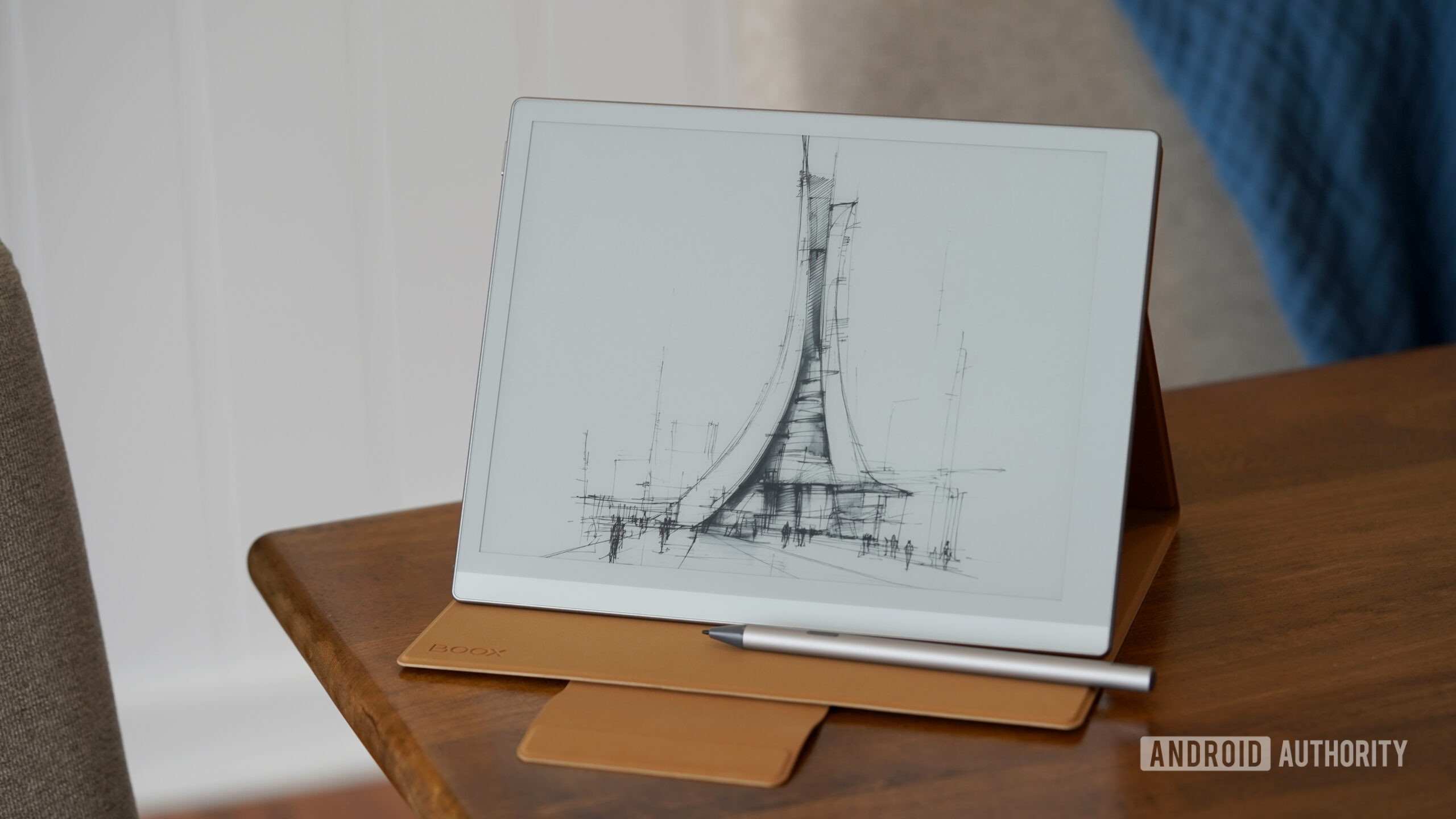
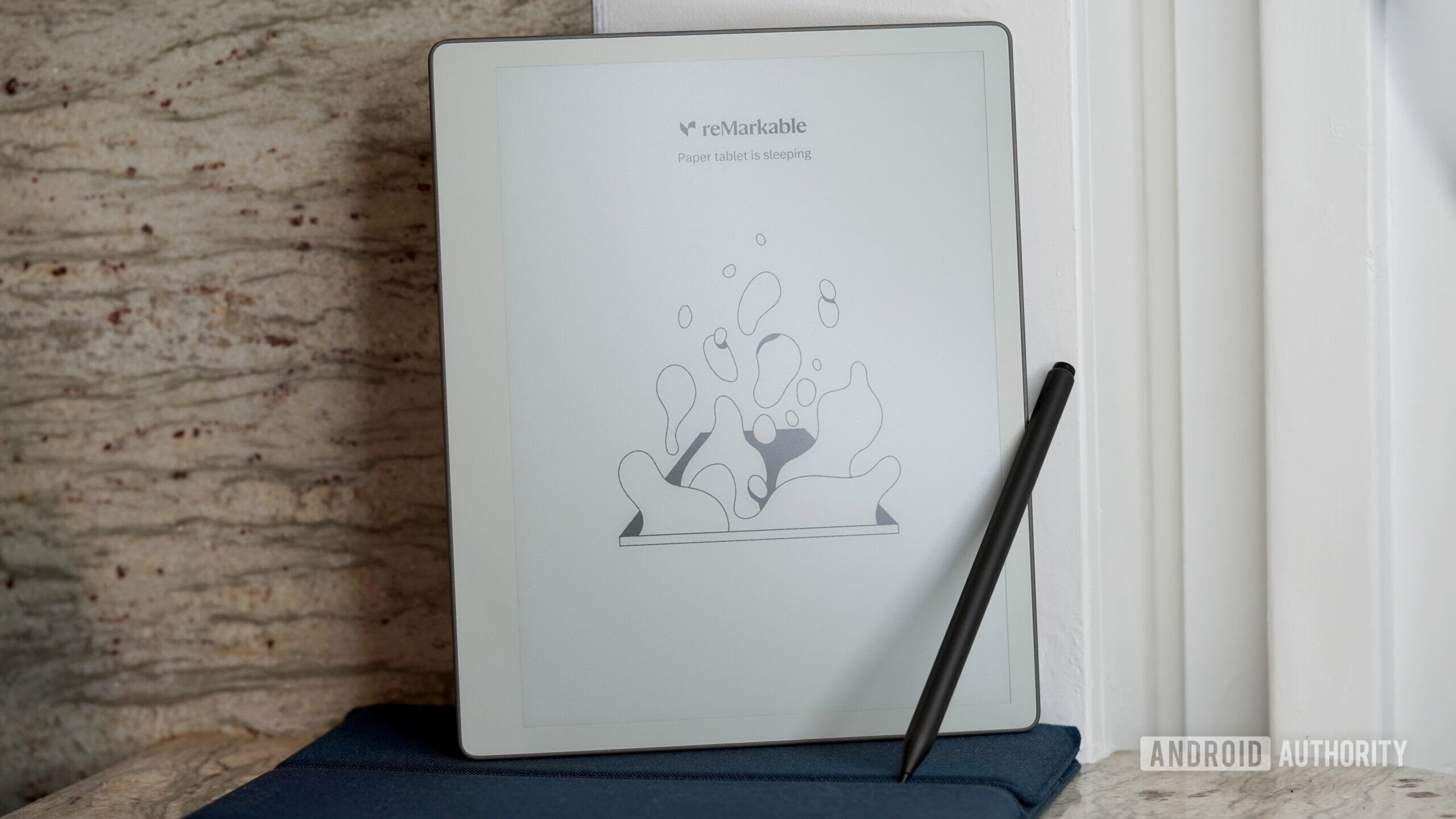
The best tablets for note-taking range from distraction-free writing devices like reMarkable to e-ink options such as BOOX and full-featured productivity tablets like Samsung, whether you want to pair a stylus, read, or draw. HasTrust rates this comparison 80/100 (Trusted). Decide first whether you need a dedicated writing tool or a full tablet, since e-ink devices lack app power while premium Android tablets can suffer app optimization issues on large screens.
What we measured
Why this score?
The best tablet for note-taking depends on your priority: distraction-free writing (reMarkable), e-ink note-taking with app flexibility (BOOX), or a full-featured productivity tablet (Samsung). For most users, consider whether you need a dedicated writing tool or a full-blown tablet, as e-ink devices lack app power while premium Android tablets can suffer from app optimization issues on large screens. Value varies significantly, with some budget-friendly options offering bundled accessories that flagship devices lack.

Video reviews
Pros
- Paper-like writing experience available on e-ink models.
- Battery-free styluses (e.g., BOOX/Huion) require less maintenance.
- Android-based note-taking tablets offer more app flexibility than closed systems.
- Included accessories (stylus/folio) in some bundles offer better value.
Cons
- E-ink devices lack the speed and app ecosystem of traditional tablets.
- Standard Android tablets (like Tab S9 Ultra) may have poorly optimized apps for large screens.
- Some budget styluses (e.g., TCL T-PEN) have precision issues like phantom inputs.
- Premium Android tablets are expensive and heavy for handheld use.
Better options
Why switch: Offers Android flexibility for note-taking apps while maintaining a paper-like e-ink display. Best for those who want more than a basic notebook.
Best for a distraction-free, focused writing experience that feels like a traditional notebook.
Best for reading-first users who want occasional note-taking capabilities.
A high-value, budget-conscious choice for note-taking and media consumption.
What web sources say (not checked by us)
Facts
Based on 8 sources
BOOX Go 10.3 Gen II review: Excellent Android Kindle Scribe alternativereMarkable Paper Pure review: It made me want to write things down againKindle Scribe Review: An Honest 2026 Buyer's VerdictLenovo Idea Tab Plus Review: Hard To Complain At The PriceShould You Buy the Samsung Galaxy Tab S9 Ultra? Honest Analysis (2026)I tried to do everything on the TCL NXTPAPER 14, and it turns out it's really just for readersA tablet first that has everything covered thanks to two USB ports, 5G & a stylus - Lenovo ThinkTab X11 review - Notebookcheck ReviewHuion Note E Digital Notebook Review - GameRevolution🛡️ Site safety check
What you should do
- Still pay with a method that has buyer protection (credit card or PayPal), never a bank transfer.
- Check the returns policy and delivery time before ordering.
- We keep tracking this site — check back here if anything feels off later.
🔍 What we checked ourselves
Each row is a check HasTrust ran, and the day it ran.
| Check | What we found | How | When |
|---|---|---|---|
| HTTPS certificate | No valid HTTPS certificate | TLS handshake from our servers | before 2026-06-19 |
| First seen on the web | 2013 | Internet Archive | before 2026-06-19 |
| Blocklist | Not listed | HasTrust blocklist | |
| Trust score history | 2 recorded points since 2026-06-19, 80 → 80 | HasTrust score model |
Buyer reports
No buyer reports yet — bought from here? Be the first to share.
Comments are screened before they appear. The count updates immediately.
Something wrong on this page? Tell us
Own this site, or spotted an error? A person reviews every report and corrects the page when a fact is wrong.
Checked 101 days ago. · How we score →
Frequently asked
Is best tablet for note taking legit?⌄
Trusted. HasTrust trust score: 80/100. The best tablet for note-taking depends on your priority: distraction-free writing (reMarkable), e-ink note-taking with app flexibility (BOOX), or a full-featured productivity tablet (Samsung). For most users, consider whether you need a dedicated writing tool or a full-blown tablet, as e-ink devices lack app power while premium Android tablets can suffer from app optimization issues on large screens. Value varies significantly, with some budget-friendly options offering bundled accessories that flagship devices lack.
Is best tablet for note taking a scam?⌄
Our check surfaced no major scam signals — still verify payment and seller details before you pay.
What is the best tablet for note taking trust score?⌄
HasTrust rates best tablet for note taking 80/100 (Trusted). Buy
What is the best tablet for note-taking with a stylus?⌄
The best tablet for note-taking with a stylus depends on your priority: reMarkable suits distraction-free writing, BOOX offers e-ink with app flexibility, and Samsung delivers a full productivity tablet. E-ink devices lack app power, while premium Android tablets can face app optimization issues on large screens.
Are tablets good for note-taking?⌄
Yes, tablets can work well for note-taking, and this comparison earns a HasTrust score of 80 out of 100 (Trusted). Choose a dedicated writing tool like reMarkable for focus, or a full tablet if you also need broader apps and reading.
reMarkable vs BOOX vs a full tablet for note-taking?⌄
It depends on your needs. reMarkable is best for distraction-free writing, BOOX for e-ink note-taking with app flexibility, and full Android tablets like Samsung for productivity, reading and drawing. Weigh whether you want a focused writing device or an all-round tablet.
🔔 Email me if this shop's trust rating changes
Free. You confirm by email (double opt-in); unsubscribe any time.
📖 Helpful guides
People also checked
Show your live HasTrust score on your own site — it links back here so visitors can see the full check. How it works ↗

Same badge, added by a small script. Use this one if you want your HasTrust dashboard to show which of your pages the badge is actually seen on. It never reads your customers' data — only the page path, without the query string.
📬 Get new scams in your inbox — weekly
One short email every Monday: the scam shops and risky sites we spotted that week. No spam, one-click unsubscribe.
Double opt-in — we only mail you after you confirm.