Best 4K Monitor Under $300 Reddit: What's Actually Worth It?
HasTrust rates best 4k monitor under $300 Mixed (70/100), checked 2026-06-19: Potential quality control issues with less established brands; Real-world response times often differ from marketing claims (e.g., 6-8ms vs 1ms); Warranty support for budget brands can be slower compared to major manufacturers.
Looking for the best 4K monitor under $300 reddit threads keep recommending? It's an achievable budget, but our trust verdict is Mixed (70/100): productivity models like the Philips 279P1 or LG 27UP850K-W deliver strong color and USB-C, while cheap gaming picks trade off stand quality and build. Match your choice to whether you prioritize work or high-refresh play.
What we measured
Why this score?
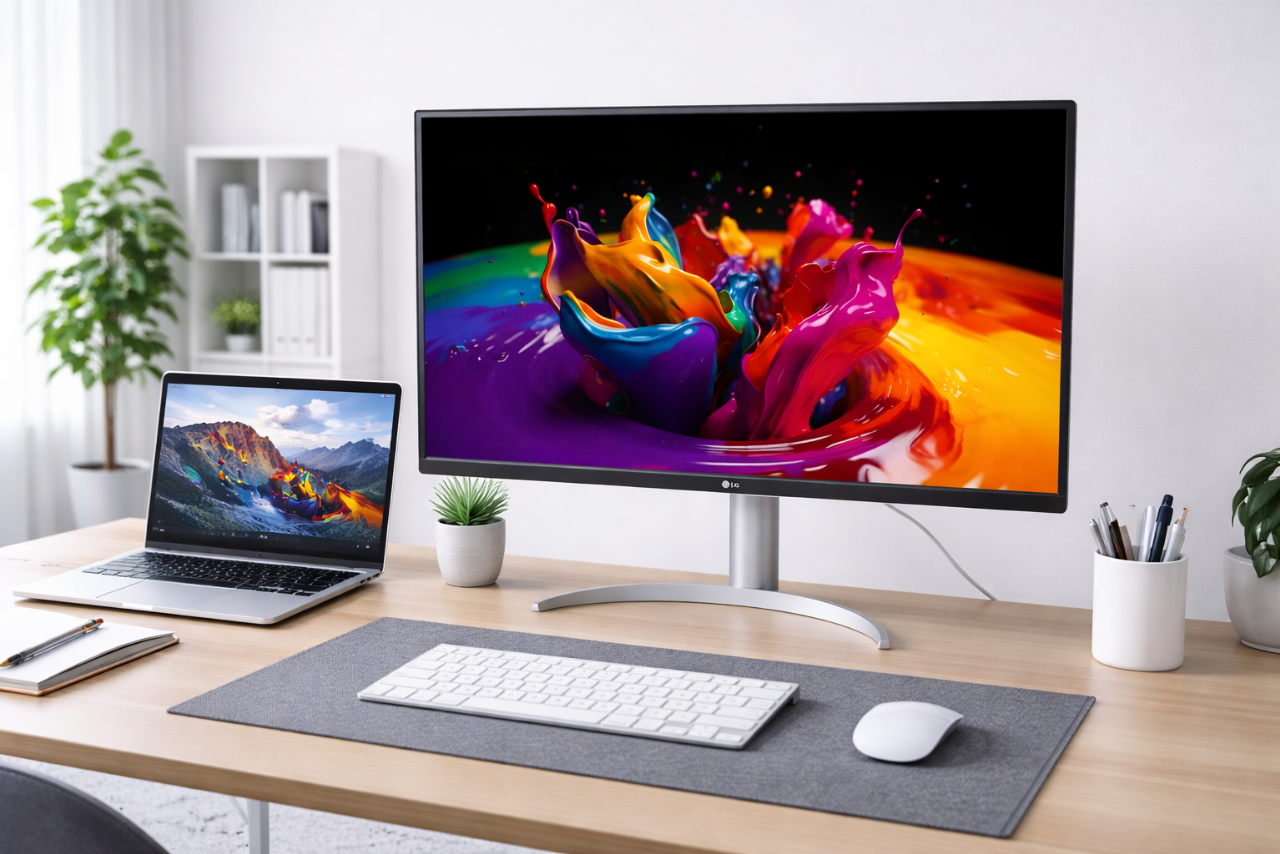
Finding a good 4K monitor under $300 is very achievable, but your choice should depend on whether you prioritize productivity or high-refresh gaming. If you need a work monitor, models like the Philips 279P1 or LG 27UP850K-W provide great color and USB-C connectivity. If you want a gaming monitor, options like the Z-Edge G274K offer high refresh rates at a bargain price, though you should be prepared for compromises in stand adjustability and build quality.


Video reviews
Pros
- Excellent pixel density and sharpness for the price
- IPS panels offer good color and wide viewing angles
- Some budget models include modern features like USB-C with Power Delivery
- High-refresh-rate 4K gaming is now accessible at lower price points
Cons
- Most budget models feature basic, tilt-only stands that lack height/swivel adjustment
- HDR performance is often cosmetic only and lacks local dimming
- Lower quality control compared to premium brands
- Some models have slower response times than advertised
⚠ Red flags
- Potential quality control issues with less established brands
- Real-world response times often differ from marketing claims (e.g., 6-8ms vs 1ms)
- Warranty support for budget brands can be slower compared to major manufacturers
Better options
Why switch: This is the most affordable 4K option if you do not require high refresh rates or professional color accuracy.
Excellent for users needing a USB-C docking solution (90W power delivery) for laptops.
The cheapest way to get 4K at high refresh rates (144Hz+), though you must accept lower build quality and basic ergonomics.
What web sources say (not checked by us)
Facts
Based on 8 sources
Sceptre U275W-UPT Review 2026: Best Budget 4K MonitorPhilips 279P1 Review 2026: Cheapest 4K IPS USB-C Monitor4K Monitor, Z-Edge 27 inch IPS Monitor, UHD 3840x2160 IPS Computer Monitor, 450 Review (2026) Gaming PC GuruLG 27UP850K-W Review | Great Budget Entry into 4KViewSonic VX3267U-4K Review: Budget 32-Inch 4K Monitor Worth It?ViewSonic VX2730D-4K Review: Is This 27″ 4K Gaming Monitor Worth It in 2026? - HomeTech ReviewsZ-EDGE U28I4K 28" 4K 120Hz IPS Monitor UHD 3840x2160 HDMI/DP Port Eye-CareGawfolk 27-inch 4K Gaming Monitor Review UK (2026) - Tested & Calibrated🛡️ Site safety check
What you should do
- Use a payment method you can charge back (credit card or PayPal) — skip bank transfer or "friends & family".
- Place a small first order before trusting it with a big one.
- Search the shop's name plus "reviews" or "scam" for recent experiences before paying.
🔍 What we checked ourselves
Each row is a check HasTrust ran, and the day it ran.
| Check | What we found | How | When |
|---|---|---|---|
| HTTPS certificate | No valid HTTPS certificate | TLS handshake from our servers | before 2026-06-19 |
| First seen on the web | No archived history found | Internet Archive | before 2026-06-19 |
| Blocklist | Not listed | HasTrust blocklist | |
| Trust score history | 2 recorded points since 2026-06-19, 70 → 70 | HasTrust score model |
Buyer reports
No buyer reports yet — bought from here? Be the first to share.
Comments are screened before they appear. The count updates immediately.
Something wrong on this page? Tell us
Own this site, or spotted an error? A person reviews every report and corrects the page when a fact is wrong.
Checked 102 days ago. · How we score →
Frequently asked
Is best 4k monitor under $300 legit?⌄
Mixed. HasTrust trust score: 70/100. Finding a good 4K monitor under $300 is very achievable, but your choice should depend on whether you prioritize productivity or high-refresh gaming. If you need a work monitor, models like the Philips 279P1 or LG 27UP850K-W provide great color and USB-C connectivity. If you want a gaming monitor, options like the Z-Edge G274K offer high refresh rates at a bargain price, though you should be prepared for compromises in stand adjustability and build quality.
Is best 4k monitor under $300 a scam?⌄
Possible concerns from our check: Potential quality control issues with less established brands; Real-world response times often differ from marketing claims (e.g., 6-8ms vs 1ms); Warranty support for budget brands can be slower compared to major manufacturers
What is the best 4k monitor under $300 trust score?⌄
HasTrust rates best 4k monitor under $300 70/100 (Mixed). Buy
🔔 Email me if this shop's trust rating changes
Free. You confirm by email (double opt-in); unsubscribe any time.
📖 Helpful guides
People also checked

Show your live HasTrust score on your own site — it links back here so visitors can see the full check. How it works ↗
.svg)
Same badge, added by a small script. Use this one if you want your HasTrust dashboard to show which of your pages the badge is actually seen on. It never reads your customers' data — only the page path, without the query string.
📬 Get new scams in your inbox — weekly
One short email every Monday: the scam shops and risky sites we spotted that week. No spam, one-click unsubscribe.
Double opt-in — we only mail you after you confirm.