Gigabyte M27Q Review Reddit: Is Het De Moeite Waard?
HasTrust beoordeelt Gigabyte M27Q als Betrouwbaar (98/100), gecontroleerd op 2026-06-23: Uitstekende gamingprestaties met snelle responstijden en lage inputlag; Bevat een handige KVM-switchfunctie voor opstellingen met meerdere apparaten; Hoge verversingssnelheid (170Hz) zorgt voor vloeiende gamingbeelden.
Op zoek naar een Gigabyte M27Q review reddit-achtig oordeel voordat je koopt? HasTrust beoordeelt de Gigabyte M27Q met 90/100 (Vertrouwd): het is een budgetvriendelijke 1440p-gamingmonitor die geprezen wordt om snelle responstijden, hoge verversingssnelheden en een zeldzame ingebouwde KVM-switch. Houd er wel rekening mee dat vroege Rev 1.0-exemplaren een BGR-subpixelindeling gebruiken die de tekstscherpte kan beïnvloeden, terwijl Rev 2.0 standaard RGB gebruikt, en de versie die je ontvangt is niet altijd gegarandeerd.
Wat wij hebben gemeten
Waarom deze score?
De Gigabyte M27Q is een zeer gewaardeerde, budgetvriendelijke 1440p-gamingmonitor die uitstekende responstijden en hoge verversingssnelheden levert. Hij wordt met name gewaardeerd om zijn geïntegreerde KVM-switch, die zeldzaam is in deze prijsklasse. Potentiële kopers moeten zich ervan bewust zijn dat vroege versies (Rev 1.0) een BGR-subpixelindeling gebruiken die de tekstscherpte kan beïnvloeden, terwijl de bijgewerkte Rev 2.0 een standaard RGB-indeling gebruikt, hoewel het lastig kan zijn om te garanderen welke versie je bij aankoop ontvangt.
Gesponsord🛡 Online shoppen? Een beveiligingspakket blokkeert phishing en nepwinkels vóór je afrekent. Bekijk ESET →
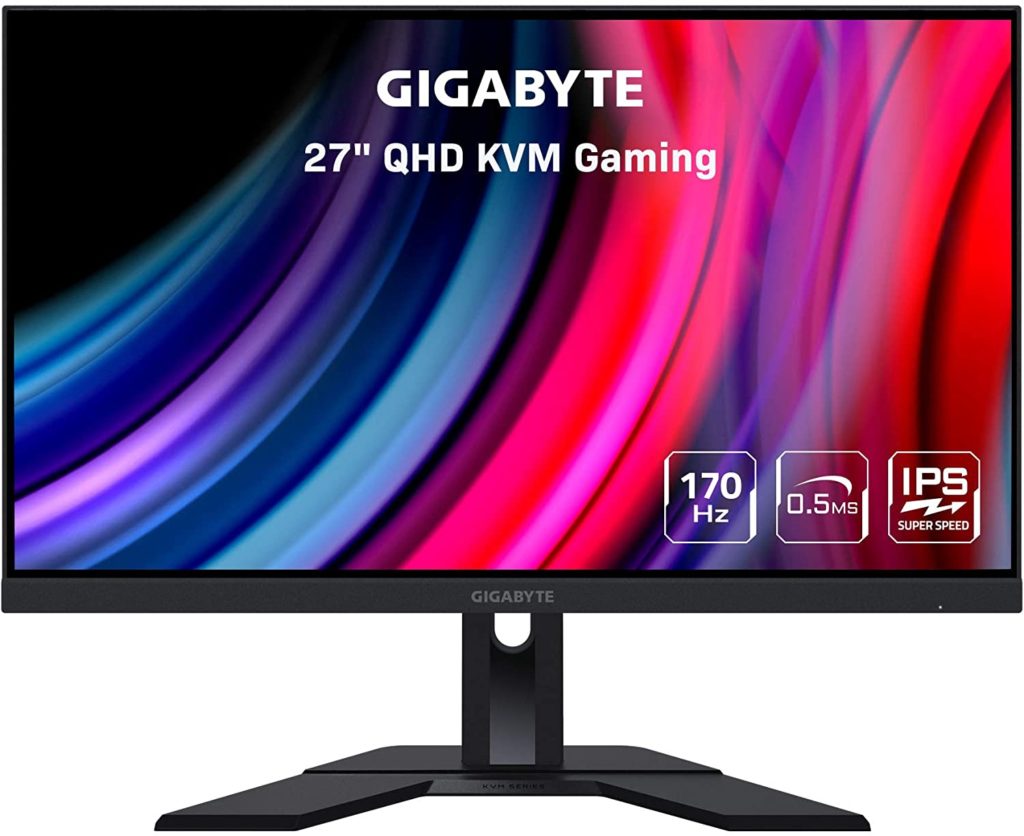
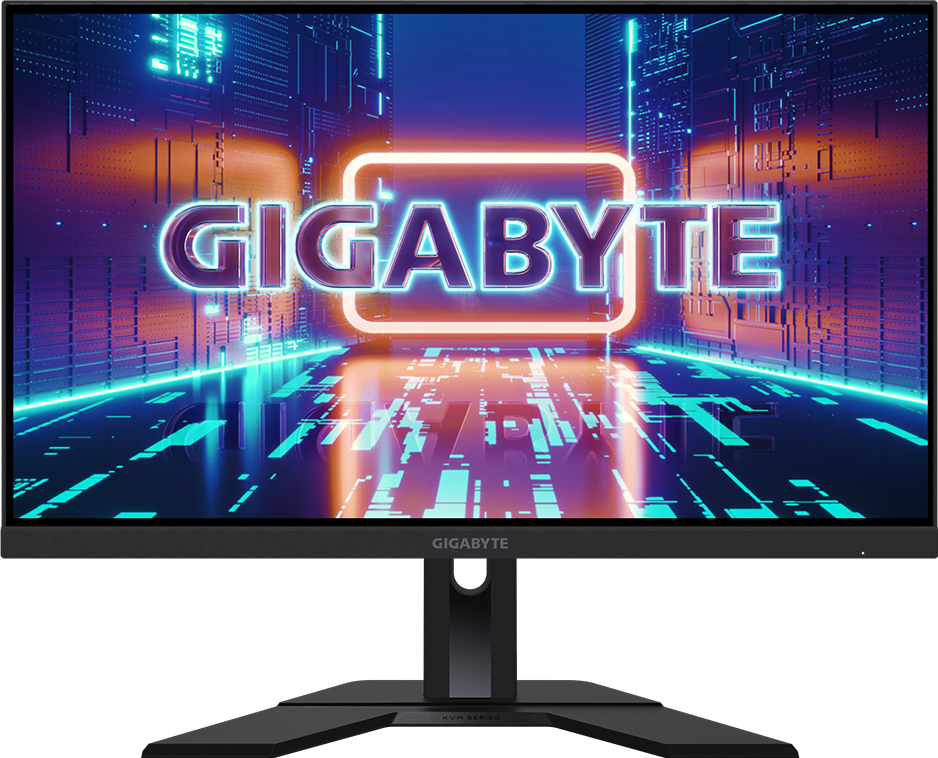
Videoreviews
Pluspunten
- Uitstekende gamingprestaties met snelle responstijden en lage inputlag
- Bevat een handige KVM-switchfunctie voor opstellingen met meerdere apparaten
- Hoge verversingssnelheid (170Hz) zorgt voor vloeiende gamingbeelden
- Wordt over het algemeen beschouwd als een geweldige prijs-kwaliteitverhouding
Minpunten
- Originele Rev 1.0-modellen gebruiken een BGR-subpixelindeling die bij sommige gebruikers wazige tekst kan veroorzaken
- HDR-prestaties zijn matig en grotendeels niet merkbaar
- Contrastverhouding is relatief laag voor een IPS-paneel
⚠ Waarschuwingssignalen
- Het kan lastig zijn om te bepalen welke revisie (1.0 of 2.0) je ontvangt bij het bestellen bij retailers
Betere opties
Waarom overstappen: Dit zijn alternatieven met een goede prijs-kwaliteitverhouding die een standaard RGB-subpixelindeling hebben, waardoor de mogelijke problemen met de tekstscherpte die samenhangen met de BGR-indeling van de originele M27Q worden vermeden.
Dit model biedt dezelfde ingebouwde KVM-functionaliteit als de originele M27Q, maar gebruikt een superieur paneel met een RGB-subpixelindeling.
Wat webbronnen zeggen (niet door ons gecontroleerd)
Feiten
Gebaseerd op 8 bronnen
https://www.displayninja.com/gigabyte-m27q-review/Gigabyte M27Q Review – 170Hz QHD Fast IPS Gaming Monitor with KVM FeatureGigabyte M27Q Review - Gadget ReviewM27Q Gaming Monitor (Rev. 2.0) - GIGABYTE GlobalM27Q Gaming Monitor (Rev. 1.0) - GIGABYTE GlobalGIGABYTE - M27Q 27" LED QHD FreeSync Premium IPS Gaming Monitor with HDR (HDMI, DisplayPort, USB) - BlackGigabyte M27Q (rev. 2.0) Review - RTINGS.comGigabyte M27Q (rev. 1.0) Review - RTINGS.com💬 Vraag iets over deze winkel
Antwoorden komen uit wat we over deze site hebben gecontroleerd — de AI kiest alleen het onderwerp en schrijft zelf niets.
🛡️ Veiligheidscheck
Wat je moet doen
- Betaal alsnog met kopersbescherming (creditcard of PayPal), nooit via een bankoverschrijving.
- Controleer het retourbeleid en de levertijd voordat je bestelt.
- Wij blijven deze site volgen — kom hier terug als er later iets niet klopt.
🔍 Wat we zelf hebben gecontroleerd
Elke regel is een controle die HasTrust uitvoerde, met de dag waarop dat gebeurde.
| Controle | Wat we vonden | Hoe | Wanneer |
|---|---|---|---|
| HTTPS-certificaat | Geldig — TAIWAN-CA, verloopt 2026-10-18 | TLS-handshake vanaf onze servers | vóór 2026-06-23 |
| Domeinregistratie | 1997-02 (29 jaar oud) | RDAP-registratiegegevens | vóór 2026-06-23 |
| Voor het eerst online gezien | 1997 | Internet Archive | vóór 2026-06-23 |
| Populariteitspositie | #3698 op Majestic Million | Majestic Million-lijst | vóór 2026-06-23 |
| Blokkeerlijst | Niet vermeld | HasTrust-blokkeerlijst | |
| Trustscore-historie | 2 vastgelegde punten sinds 2026-06-23, 90 → 90 | HasTrust-scoremodel |
Kopersmeldingen
Nog geen kopersmeldingen — hier gekocht? Wees de eerste die deelt.
Reacties worden gescreend voordat ze verschijnen. Het aantal werkt direct bij.
Klopt er iets niet op deze pagina? Laat het ons weten
Is dit jouw site, of zie je een fout? Een mens bekijkt elke melding en past de pagina aan als een feit niet klopt.
Gecontroleerd 98 dagen geleden. · Hoe we scoren →
Veelgestelde vragen
Is Gigabyte M27Q betrouwbaar?⌄
Betrouwbaar. HasTrust-trustscore: 98/100. De Gigabyte M27Q is een zeer gewaardeerde, budgetvriendelijke 1440p-gamingmonitor die uitstekende responstijden en hoge verversingssnelheden levert. Hij wordt met name gewaardeerd om zijn geïntegreerde KVM-switch, die zeldzaam is in deze prijsklasse. Potentiële kopers moeten zich ervan bewust zijn dat vroege versies (Rev 1.0) een BGR-subpixelindeling gebruiken die de tekstscherpte kan beïnvloeden, terwijl de bijgewerkte Rev 2.0 een standaard RGB-indeling gebruikt, hoewel het lastig kan zijn om te garanderen welke versie je bij aankoop ontvangt.
Is Gigabyte M27Q oplichterij?⌄
Mogelijke aandachtspunten uit onze check: Het kan lastig zijn om te bepalen welke revisie (1.0 of 2.0) je ontvangt bij het bestellen bij retailers
Wat is de trustscore van Gigabyte M27Q?⌄
HasTrust beoordeelt Gigabyte M27Q met 98/100 (Betrouwbaar). Kopen
🔔 Email me if this shop's trust rating changes
Free. You confirm by email (double opt-in); unsubscribe any time.
📖 Handige gidsen
Mensen bekeken ook
 85Panel LED empotrable 60X60 cm – Driver OSRAM – 40W – UGR18 – CRI90 – Con KIT de montaje €37.95 El precio original era: €37.95.€11.38BetrouwbaarBuy
 52is nobsoundus.com legitGemengdBuy this instead
 50:Suzhou Hanshengfei Network Technology Co., Ltd.GemengdWait
Toon je live HasTrust-score op je eigen site — het linkt hierheen zodat bezoekers de volledige check kunnen zien. Hoe het werkt ↗

Dezelfde badge, geplaatst via een klein script. Kies deze als je in je HasTrust-overzicht wilt zien op welke van je pagina's de badge echt wordt getoond. Het leest nooit gegevens van je klanten — alleen het paginapad, zonder de querystring.
📬 Nieuwe scams wekelijks in je inbox
Eén korte e-mail elke maandag: de nepshops en risicovolle sites die we die week spotten. Geen spam, uitschrijven met één klik.
Dubbele opt-in — we mailen pas na je bevestiging.