Gigabyte M27Q Test Reddit: Ist er es wert?
Suchen Sie vor dem Kauf nach einem Gigabyte M27Q Test im Reddit-Stil? HasTrust bewertet den Gigabyte M27Q mit 90/100 (Vertrauenswürdig): Es ist ein preisgünstiger 1440p-Gaming-Monitor, der für schnelle Reaktionszeiten, hohe Bildwiederholraten und einen seltenen integrierten KVM-Switch gelobt wird. Beachten Sie jedoch, dass frühe Rev-1.0-Einheiten eine BGR-Subpixel-Anordnung verwenden, die die Textschärfe beeinträchtigen kann, während Rev 2.0 standardmäßiges RGB verwendet, und die Version, die Sie erhalten, ist nicht immer garantiert.
Warum diese Bewertung?
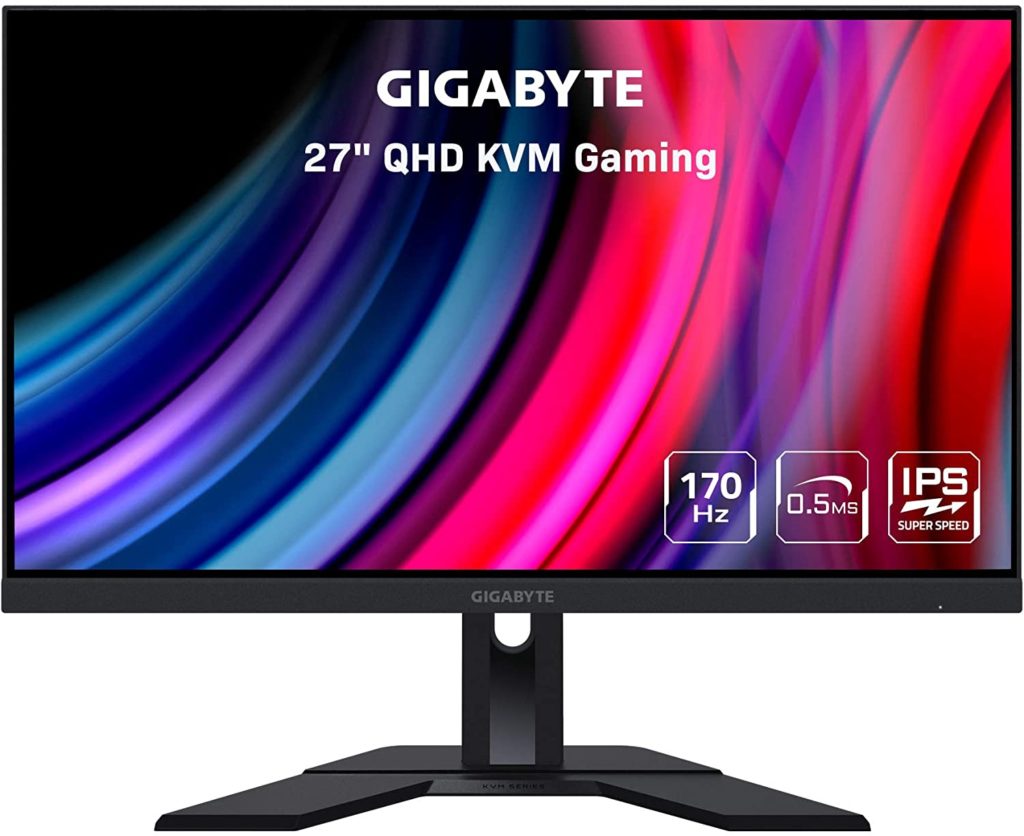
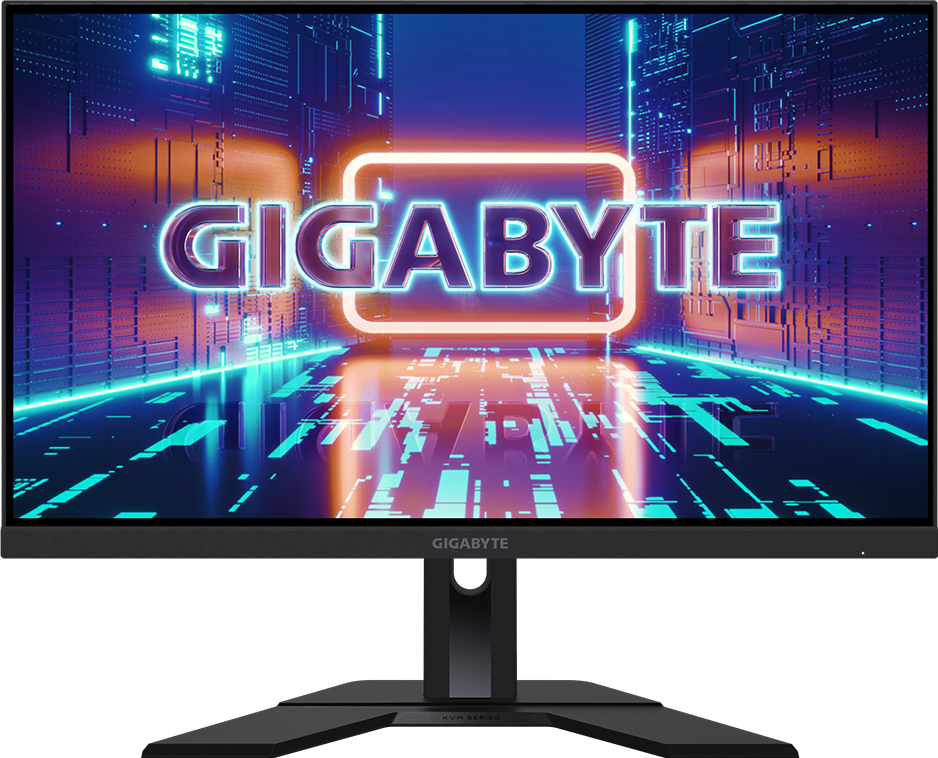
Der Gigabyte M27Q ist ein hoch angesehener, preisgünstiger 1440p-Gaming-Monitor, der hervorragende Reaktionszeiten und hohe Bildwiederholraten bietet. Er wird besonders für seinen integrierten KVM-Switch geschätzt, der in dieser Preisklasse selten ist. Potenzielle Käufer sollten sich bewusst sein, dass frühe Versionen (Rev 1.0) eine BGR-Subpixel-Anordnung verwenden, die die Textschärfe beeinträchtigen kann, während die aktualisierte Rev 2.0 eine standardmäßige RGB-Anordnung verwendet, wobei es jedoch schwierig sein kann zu garantieren, welche Version man beim Kauf erhält.
Video-Testberichte
Pro
- Hervorragende Gaming-Leistung mit schnellen Reaktionszeiten und geringer Eingabeverzögerung
- Enthält eine praktische KVM-Switch-Funktion für Multi-Geräte-Setups
- Hohe Bildwiederholrate (170Hz) sorgt für flüssige Gaming-Bilder
- Bietet allgemein ein hervorragendes Preis-Leistungs-Verhältnis
Kontra
- Ursprüngliche Rev-1.0-Modelle verwenden eine BGR-Subpixel-Anordnung, die bei manchen Nutzern unscharfen Text verursachen kann
- Die HDR-Leistung ist mäßig und größtenteils nicht wahrnehmbar
- Das Kontrastverhältnis ist für ein IPS-Panel relativ niedrig
⚠ Warnsignale
- Es kann schwierig sein zu bestimmen, welche Revision (1.0 vs 2.0) man beim Bestellen bei Händlern erhält
Sicherheitssignale
Fakten
Bessere Optionen
Warum wechseln: Dies sind preiswerte Alternativen mit einer standardmäßigen RGB-Subpixel-Anordnung, wodurch die möglichen Probleme mit der Textschärfe vermieden werden, die mit der BGR-Anordnung des ursprünglichen M27Q verbunden sind.
Dieses Modell bietet dieselbe integrierte KVM-Funktionalität wie der ursprüngliche M27Q, verwendet jedoch ein überlegenes Panel mit einer RGB-Subpixel-Anordnung.
Basierend auf 8 Quellen
Gigabyte M27Q Review – 170Hz QHD Fast IPS Gaming Monitor with KVM FeatureGigabyte M27Q Review - Gadget ReviewM27Q Gaming Monitor (Rev. 2.0) - GIGABYTE GlobalM27Q Gaming Monitor (Rev. 1.0) - GIGABYTE GlobalGIGABYTE - M27Q 27" LED QHD FreeSync Premium IPS Gaming Monitor with HDR (HDMI, DisplayPort, USB) - BlackGigabyte M27Q (rev. 2.0) Review - RTINGS.comGigabyte M27Q (rev. 1.0) Review - RTINGS.com🛡️ Sicherheitscheck
Was du tun solltest
- Zahle trotzdem mit Käuferschutz (Kreditkarte oder PayPal), niemals per Überweisung.
- Prüfe Rückgaberecht und Lieferzeit, bevor du bestellst.
- Wir beobachten diese Website weiter — schau hier wieder vorbei, wenn dir später etwas komisch vorkommt.
Käuferberichte
Noch keine Käuferberichte — hier gekauft? Sei der Erste, der teilt.
Kommentare werden vor der Veröffentlichung geprüft. Die Zahl wird sofort aktualisiert.
Geprüft vor 48 Tagen. · So bewerten wir →
Häufige Fragen
Ist Gigabyte M27Q seriös?⌄
Vertrauenswürdig. HasTrust-Trust-Score: 98/100. Der Gigabyte M27Q ist ein hoch angesehener, preisgünstiger 1440p-Gaming-Monitor, der hervorragende Reaktionszeiten und hohe Bildwiederholraten bietet. Er wird besonders für seinen integrierten KVM-Switch geschätzt, der in dieser Preisklasse selten ist. Potenzielle Käufer sollten sich bewusst sein, dass frühe Versionen (Rev 1.0) eine BGR-Subpixel-Anordnung verwenden, die die Textschärfe beeinträchtigen kann, während die aktualisierte Rev 2.0 eine standardmäßige RGB-Anordnung verwendet, wobei es jedoch schwierig sein kann zu garantieren, welche Version man beim Kauf erhält.
Ist Gigabyte M27Q Betrug?⌄
Mögliche Bedenken aus unserer Prüfung: Es kann schwierig sein zu bestimmen, welche Revision (1.0 vs 2.0) man beim Bestellen bei Händlern erhält
Wie ist der Trust-Score von Gigabyte M27Q?⌄
HasTrust bewertet Gigabyte M27Q mit 98/100 (Vertrauenswürdig). Kaufen
🔔 Email me if this shop's trust rating changes
Free. You confirm by email (double opt-in); unsubscribe any time.
📖 Hilfreiche Ratgeber
Andere prüften auch



Zeig deinen Live-HasTrust-Score auf deiner eigenen Seite — er verlinkt hierher, damit Besucher die vollständige Prüfung sehen. So funktioniert's ↗

📬 Neue Scams wöchentlich ins Postfach
Eine kurze E-Mail jeden Montag: die Fake-Shops und riskanten Seiten der Woche. Kein Spam, Abmeldung mit einem Klick.
Double-Opt-in — wir schreiben erst nach Ihrer Bestätigung.